Shopify SEO is not just about adding keywords to product titles. A store can have excellent products and still struggle to get organic traffic if important technical, content, performance, and internal linking issues are left unresolved.
The good news is that many Shopify SEO problems are fixable without rebuilding your entire store. You can improve your search visibility by working through a structured checklist and fixing the issues that have the biggest impact first.
In this guide, I'll walk through 25 Shopify SEO fixes that every store owner should review. Some are simple changes you can make yourself, while others may require help from a Shopify developer or SEO professional.
You don't need to fix everything in one day. Work through the checklist, prioritize the issues affecting your most important pages, and measure the results over time.
What Is Shopify SEO?
Shopify SEO is the process of improving a Shopify store so that search engines can crawl, understand, index, and rank its pages effectively.
This includes more than keywords. A complete Shopify SEO strategy can involve technical SEO, product and collection content, site architecture, internal links, images, structured data, page speed, mobile usability, and external authority.
The goal is not simply to rank for one keyword. The goal is to make your store useful and accessible to people who are searching for products, information, or solutions that your business provides.
Shopify SEO Checklist: 25 Things to Fix
1. Set a Clear SEO-Friendly Store Structure
Your website structure should make sense to both visitors and search engines. Important products should not be buried several clicks deep behind unrelated pages.
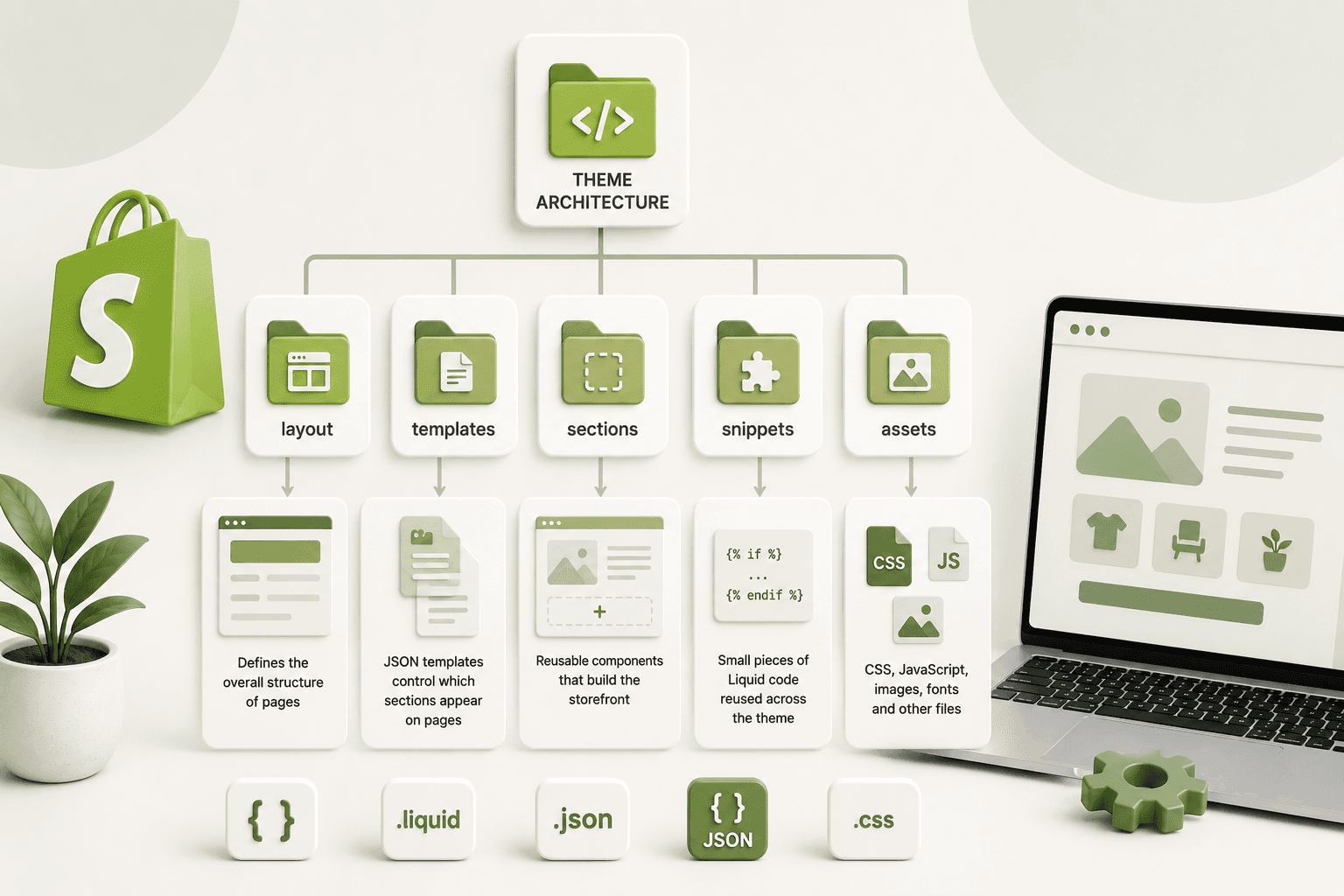
A simple ecommerce structure might look like:
Home
├── Collections
│   ├── Collection A
│   ├── Collection B
│   └── Collection C
│
├── Products
│   ├── Product A
│   ├── Product B
│   └── Product C
│
├── About
├── Contact
└── Blog
Keep your navigation understandable and make your most important pages easy to reach.
2. Write Unique Page Titles
Every important page should have a useful and descriptive title. Avoid using the exact same title across multiple products, collections, and pages.
Instead of:
Shop Products | My Storefor every page, make the title specific to the page's content.
For example:
Men's Running Shoes | Lightweight Running Shoes | Brand NameThe title should describe what the visitor will find on that page rather than simply listing keywords.
3. Improve Your Meta Descriptions
A meta description gives search engines and users a short summary of a page. Although it is not a direct ranking guarantee, a useful description can help users understand what they will find when they see your page in search results.
Write a unique description for important products, collections, pages, and blog posts.
Explain the product or page clearly and give the searcher a reason to visit rather than repeating the same generic text everywhere.
4. Fix Duplicate Product Content
Ecommerce stores often have multiple products or variants with very similar descriptions. Copying manufacturer descriptions word for word also gives your store little original value.
Whenever possible, create useful product descriptions based on your actual product, customers, use cases, specifications, benefits, and buying considerations.
5. Optimize Product Page Content
Your product page should answer the questions a potential customer has before purchasing.
Depending on the product, include:
- Clear product name
- Useful product description
- Important specifications
- Materials or ingredients
- Dimensions or sizing information
- Shipping information
- Return information
- Frequently asked questions
- Original product images
- Relevant customer reviews
Don't write content only for search engines. Write it to help a customer decide whether the product is right for them.
6. Optimize Collection Pages
Collection pages can be important landing pages for ecommerce SEO. Don't treat them as nothing more than a grid of products.
Add a useful introduction explaining what the collection contains, who it is for, and what makes the products different.
Avoid adding a large block of unnecessary text simply to increase word count. Keep the content useful and relevant to the collection.
7. Use Descriptive URLs
Keep URLs readable and relevant to the page.
For example:
/collections/mens-running-shoes
/products/lightweight-running-shoes
Clear URLs make it easier for people to understand where they are and can help search engines understand the page's subject.
8. Add Internal Links
Internal links connect related pages within your website. They help visitors discover useful content and help search engines understand the relationship between pages.
For example, a blog article about choosing running shoes could link naturally to your running shoe collection.
Your product pages can also link to relevant buying guides, size guides, related products, or collections.
9. Improve Your Image Alt Text
Product images are an important part of ecommerce websites, but search engines cannot interpret an image in exactly the same way a human visitor can.
Use descriptive alt text that explains what the image represents.
Instead of:
image1.jpga useful alt attribute might describe the product and view shown in the image.
Avoid stuffing keywords into every image's alt text. Describe the image naturally and accurately.
10. Compress Large Images
Large image files can increase page weight and make pages slower, especially for mobile visitors.
Before uploading images, make sure they are appropriately sized and compressed. Use modern image formats when they are supported by your workflow and make sure Shopify's image delivery is being used effectively.
Don't upload a huge original image when the website only displays a much smaller version.
11. Check Mobile Performance
Many ecommerce visitors use smartphones, so your Shopify store should provide a good experience on smaller screens.
Test:
- Navigation
- Product images
- Product variants
- Add-to-cart buttons
- Forms
- Popups
- Checkout transitions
- Text readability
- Horizontal scrolling
A layout that looks perfect on a desktop monitor can still create problems on a 360px or 390px mobile screen.
12. Remove Unnecessary Apps
Shopify apps can add valuable functionality, but installing too many apps can make a store harder to maintain and may introduce additional scripts or requests.
Review your installed apps regularly.
If an app is no longer being used, consider removing it properly and checking whether it left theme code or app embeds behind.
13. Check Your Theme's JavaScript
Custom JavaScript and third-party scripts can affect how quickly parts of your page become interactive.
Review unnecessary scripts and avoid loading functionality on every page when it is only required on a specific template.
If you're adding custom functionality, load only what is necessary and avoid repeatedly attaching event listeners or running expensive code on page load.
14. Check Core Web Vitals
Website performance should be part of your Shopify SEO process. Google's Core Web Vitals focus on real-world loading, interaction, and visual stability experiences.
Pay particular attention to:
- Largest Contentful Paint (LCP)
- Interaction to Next Paint (INP)
- Cumulative Layout Shift (CLS)
Don't optimize a metric blindly. Look for the actual causes of slow loading or poor interaction and address those problems.
15. Make Sure Your Important Pages Are Indexable
A page cannot receive organic search traffic if search engines are unable to index it.
Check important product, collection, page, and blog URLs in Google Search Console and investigate unexpected indexing issues.
Don't automatically try to index every URL on your store. Some pages may not provide useful standalone search value.
16. Check Your XML Sitemap
Shopify automatically generates an XML sitemap for your store. You should still check that the sitemap is accessible and submit the appropriate sitemap to Google Search Console.
Your sitemap can help search engines discover important URLs on your website.
After major changes to your store, continue monitoring indexing and sitemap-related reports in Search Console.
17. Check Robots.txt
Shopify provides a robots.txt file that gives search engine crawlers instructions about which areas can be crawled.
Don't make changes to crawling rules without understanding what they affect. Accidentally blocking important resources or URLs can create SEO problems.
If you need advanced robots.txt customization, understand exactly why the change is required before implementing it.
18. Use Canonical URLs Correctly
Ecommerce websites can sometimes generate multiple URLs that lead to similar or identical content.
Canonical URLs help search engines understand which version should generally be treated as the preferred URL.
Shopify handles many canonicalization scenarios automatically, but custom themes and apps can still introduce unexpected problems.
If you see duplicate URL issues in Search Console, investigate the actual URLs rather than adding canonical tags blindly.
19. Add Structured Data Where Appropriate
Structured data provides search engines with additional information about the content on a page.
Depending on your store and implementation, relevant structured data can describe products, organizations, breadcrumbs, articles, and other supported entities.
For product pages, make sure your structured data accurately represents the visible information on the page.
Never add structured data for information that isn't actually present or accurate on the page.
20. Improve Your Product Images and Media
High-quality product photography can improve the shopping experience while descriptive image information can help search engines understand your media.
Use images that show the product clearly from useful angles. Optimize their dimensions and file sizes without sacrificing important visual details.
For some products, demonstrations, diagrams, comparison images, or short videos can provide additional value to customers.
21. Create Helpful Buying Guides
Product pages aren't the only opportunity to attract organic traffic.
A Shopify blog can target informational searches that potential customers make before they are ready to purchase.
For example, a store selling running shoes could publish:
- How to choose running shoes
- Running shoe size guide
- Trail running vs road running shoes
- How often should running shoes be replaced?
- Running shoes for beginners
The important part is to create genuinely useful resources rather than publishing dozens of thin articles simply to target keywords.
22. Improve Your Blog's Internal Linking
If your Shopify store has a blog, don't let articles become isolated pages.
Link related articles together and connect informational content to relevant collections and products when the connection is genuinely useful.
This creates a stronger content structure and gives readers clear next steps.
23. Add Important Trust Pages
Ecommerce visitors need to know who they are buying from and what happens after they place an order.
Make important information easy to find, including:
- About page
- Contact information
- Shipping information
- Return and refund policy
- Privacy policy
- Terms and conditions
These pages also help create a more transparent and trustworthy website experience.
24. Connect Google Search Console and Analytics
You need reliable data if you want to understand whether your SEO work is producing results.
Google Search Console can help you understand search queries, impressions, clicks, indexing issues, and other search-related information.
Analytics can help you understand what visitors do after arriving on your website.
Don't judge your SEO strategy only by ranking for one keyword. Look at the wider picture: organic traffic, relevant queries, engagement, conversions, and revenue.
25. Monitor SEO Changes After Every Major Update
SEO is not a one-time task.
If you change your Shopify theme, URL structure, product descriptions, navigation, apps, or technical configuration, monitor your search performance afterward.
Keep records of major changes so you can identify potential causes if organic traffic or indexing changes unexpectedly.
Quick Shopify SEO Checklist
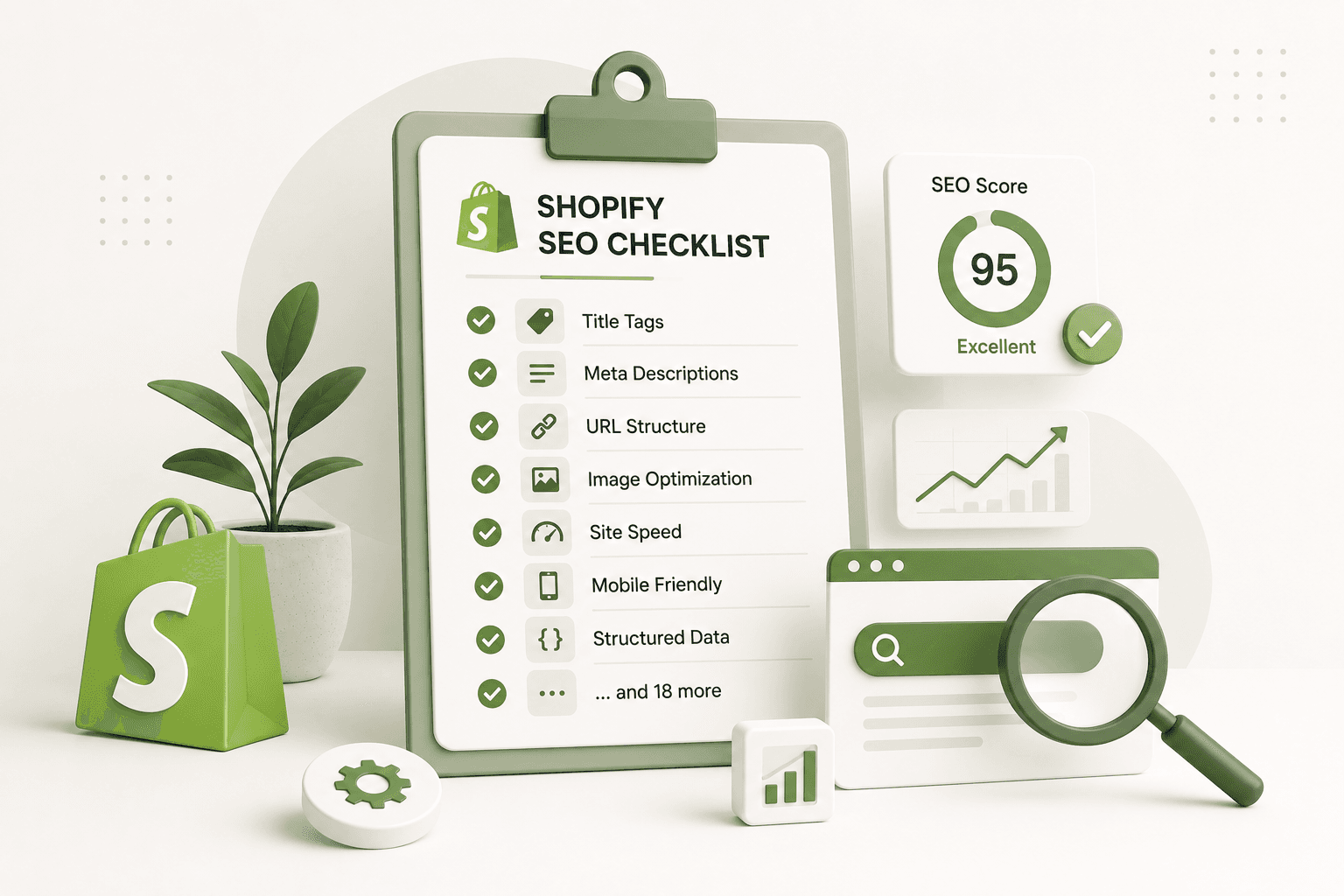
Here's the complete checklist in a shorter format so you can use it while auditing your store:
- Check your store structure.
- Write unique page titles.
- Improve meta descriptions.
- Fix duplicate product content.
- Improve product page content.
- Optimize collection pages.
- Use descriptive URLs.
- Add useful internal links.
- Improve image alt text.
- Compress large images.
- Test mobile performance.
- Remove unnecessary apps.
- Review theme JavaScript.
- Monitor Core Web Vitals.
- Check important pages for indexing.
- Check your XML sitemap.
- Review robots.txt.
- Check canonical URLs.
- Implement accurate structured data.
- Optimize product media.
- Create helpful buying guides.
- Improve blog internal linking.
- Maintain important trust pages.
- Connect Search Console and Analytics.
- Monitor SEO after major changes.
Which Shopify SEO Fixes Should You Do First?
If you have a long list of SEO problems, don't try to fix all 25 items at the same time.
I would start with the issues that can prevent search engines or customers from properly accessing and understanding your important pages.
A practical priority order is:
- Indexing and technical issues — make sure important pages can be discovered and indexed.
- Product and collection content — improve the pages that actually generate business.
- Site structure and internal links — make important content easy to discover.
- Mobile experience and performance — make sure customers can comfortably use the store.
- Content strategy — create useful resources that answer questions your potential customers actually ask.
Frequently Asked Questions About Shopify SEO
Is Shopify good for SEO?
Shopify provides many features that support SEO, including customizable page content, product and collection pages, automatic sitemap generation, and other technical capabilities. However, the platform alone does not guarantee search rankings. Your content, site structure, performance, links, competition, and overall website quality still matter.
How long does Shopify SEO take to work?
There is no fixed timeframe for SEO results. Search engines need time to crawl and process changes, and rankings depend on many factors including competition, content quality, website authority, and the specific search query. Focus on making sustainable improvements rather than expecting an immediate ranking increase.
Should every Shopify product have a unique description?
Important products should have useful, product-specific information rather than relying entirely on copied manufacturer descriptions. Unique content can make the page more useful to customers and give search engines more information about the product.
Do Shopify apps hurt SEO?
A Shopify app does not automatically hurt SEO. However, apps can introduce additional scripts, code, requests, or page elements. Poorly implemented or unnecessary integrations can contribute to performance and maintenance problems, so review the apps installed on your store regularly.
Do I need a Shopify SEO app?
Not necessarily. Some SEO tasks can be handled directly through Shopify, your theme, Google Search Console, and your normal content workflow. An app can be useful when it solves a specific problem, but installing an app for every SEO task is not always the best approach.
Final Thoughts
Shopify SEO is a continuous process, not a single setting you turn on. The strongest results usually come from improving many small parts of the store together: useful product content, logical navigation, internal links, fast pages, optimized images, accurate structured data, good mobile usability, and technically accessible pages.
Start with the 25 items in this checklist and identify the five issues that are most important for your store. Fix those first, measure what changes, and continue working through the list.
If your store has hundreds or thousands of products, don't try to optimize every page manually at once. Build a consistent system for product titles, descriptions, metadata, images, internal links, collections, and content so that your SEO improvements can scale with the store.
Most importantly, remember that SEO should support the customer experience. The best Shopify SEO work helps search engines understand your store while making it easier for real people to find, evaluate, and purchase your products.